
Display Ads Targeting
Display Ads are custom, native banner ads seamlessly placed across a retailer's e-commerce website or app to engage users. These ads are designed to promote products, highlight offers, and drive traffic to specific destinations, such as product detail pages or brand websites. They are a powerful tool for advertisers to capture customer attention in relevant browsing contexts.
Display ads consists of three different targeting:
- Pages: Allows advertisers to place ads on specific sections or web pages of the retailer’s platform. For example, advertisers can choose high-traffic pages like homepages, product detail pages, or promotional sections, ensuring their ads appear in spots frequented by the desired audience. This approach maximises exposure to users already engaged in related content.
- Search: Focuses on aligning ads with search queries or keywords entered by users. Ads appear in response to relevant searches, such as a query for "drinks" showing banner ads for beverages. This ensures precise targeting, boosting ad visibility and click-through rates.
- Categories: Places ads within specific product or service categories, like "electronics" or "fruits." Advertisers use this method to reach shoppers actively browsing related categories, ensuring their ads are shown to users likely to have a matching intent or interest.
- Audience: (Optional) Is a method that divides consumers into specific segments based on factors such as demographics, interests, behaviour, or purchasing intent. Advertisers use this data to deliver highly relevant ads to groups most likely to engage with their products or services. For example, a campaign targeting "tech enthusiasts" might show ads for gadgets and software to users identified as having a strong interest in technology. This targeting ensures that display ads reach the right audience, increasing the effectiveness of campaigns while minimising wasted impressions.
Display Ads targeting supports three positions:
- Desktop web: Ads are displayed during browsing sessions on desktop or laptop computers, accessed through web browsers. This position is ideal for reaching users who prefer larger screens and a traditional browsing experience, often during work or study
- Mobile web: Ads appear on smartphones or tablets through mobile web browsers. This position targets on-the-go users, ensuring a seamless ad experience optimised for smaller screens and touch-based navigation
- In-app: Ads are integrated within mobile applications on smartphones or tablets. This approach offers highly contextual and immersive ad placements, often leveraging app-specific user data to enhance targeting precision.
Important:Audience targeting is an optional targeting only available with Pages.
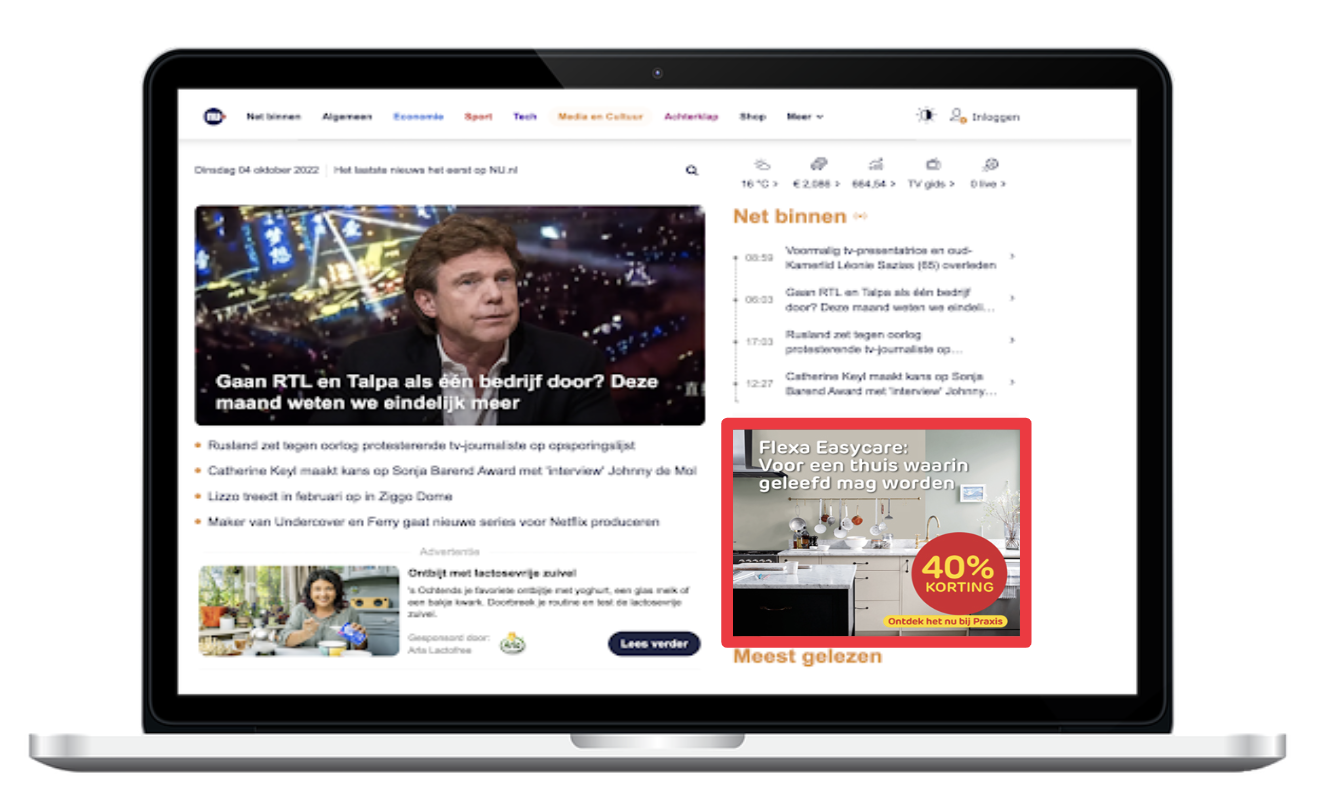
Display Ads targeting example
Updated over 1 year ago
Did this page help you?